
Screenshots

App details
- Updated
- Aug 1, 2025
- Language
- Afrikaans 48 moreLanguagesAfrikaansAmhar...
- Developer
- Google LLC
- Category
- Mobile
SoftPas in:
This product is also available in the following languages:
About Google Play Games on PC Developer Emulator
Download Google Play Games on PC Developer Emulator – Android Game Testing, Developer Tool, PC Emulator, APK Sideload
Overview
The Google Play Games on PC Developer Emulator is a specialized tool designed for developers aiming to test Android games within a Windows-based environment. Its primary purpose is to provide a controlled, accessible platform for evaluating game performance, user experience, and compatibility without requiring physical Android devices. This emulator addresses common challenges in mobile game development, such as inconsistent hardware behavior, limited testing devices, and the need for rapid iteration cycles. By simulating an Android environment on a PC, it enables developers to identify bugs, optimize graphics, and verify functionality across different screen sizes and configurations.
Target users include mobile game developers, QA testers, and software engineers involved in Android application development. The tool is particularly useful for teams that prioritize cross-platform compatibility and rapid deployment. Although the developer background is not specified in the provided information, the emulator’s focus on performance tuning and developer workflows suggests it was created with technical precision and efficiency in mind. Real-world use cases include pre-release testing, debugging visual artifacts, and evaluating how games perform under varying graphics settings.
Within the broader app ecosystem, the emulator fills a critical gap between development and deployment. It enhances productivity by reducing dependency on physical devices, streamlining the testing pipeline. Its integration with ADB and support for advanced graphics APIs positions it as a valuable asset in modern game development workflows. While the developer did not provide additional technical details, the tool’s functionality indicates a strong alignment with industry-standard development practices.
Key Features & Functionality
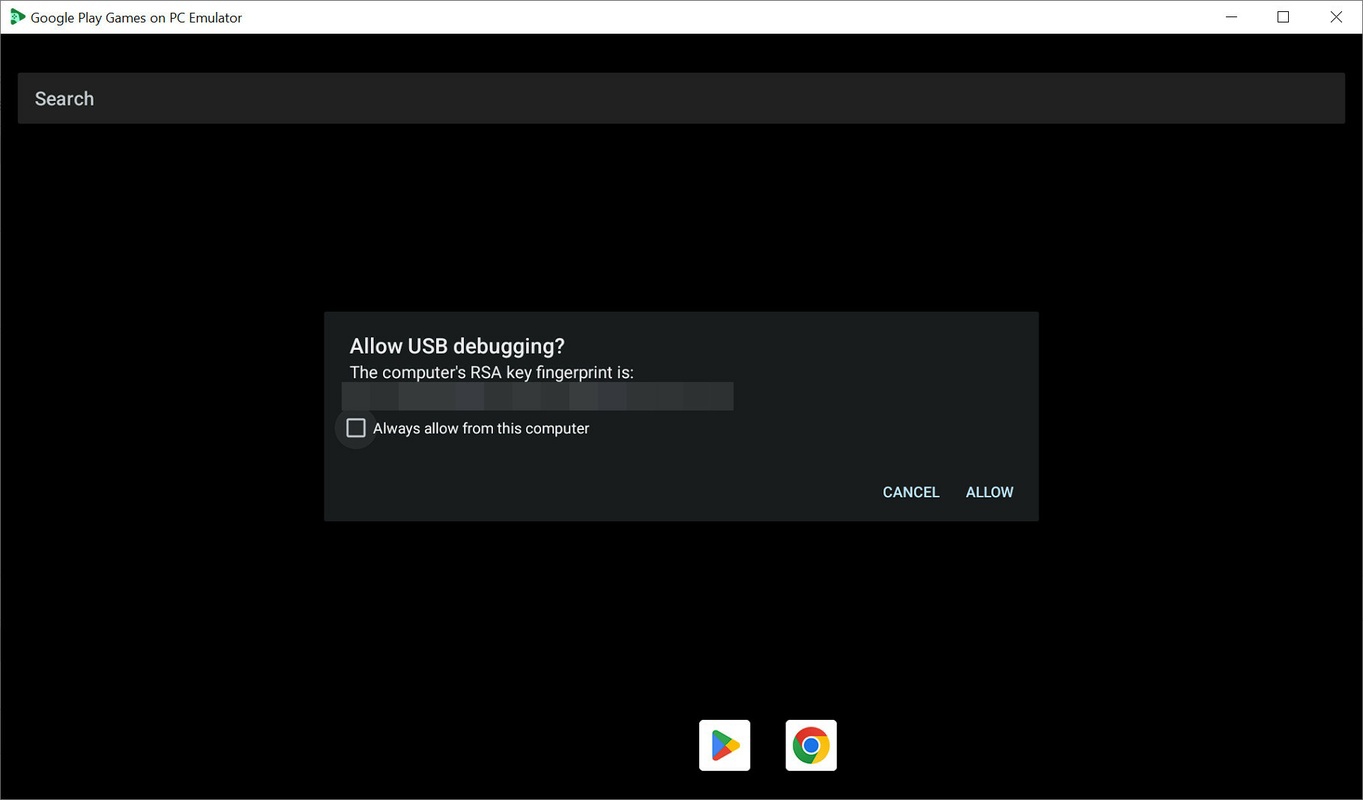
- Easy APK Installation via ADB: Developers can sideload Android applications directly into the emulator using standard ADB commands. This feature allows for rapid deployment of test builds without relying on the Google Play Store, which is unavailable in this environment. The process is streamlined for developers familiar with command-line tools, enabling quick iteration during testing cycles.
- Advanced Graphics API Selection: The emulator supports both Vulkan and DirectX graphics APIs, allowing developers to switch between rendering engines based on their game’s architecture. This flexibility is crucial for performance benchmarking and ensuring visual fidelity across different hardware configurations.
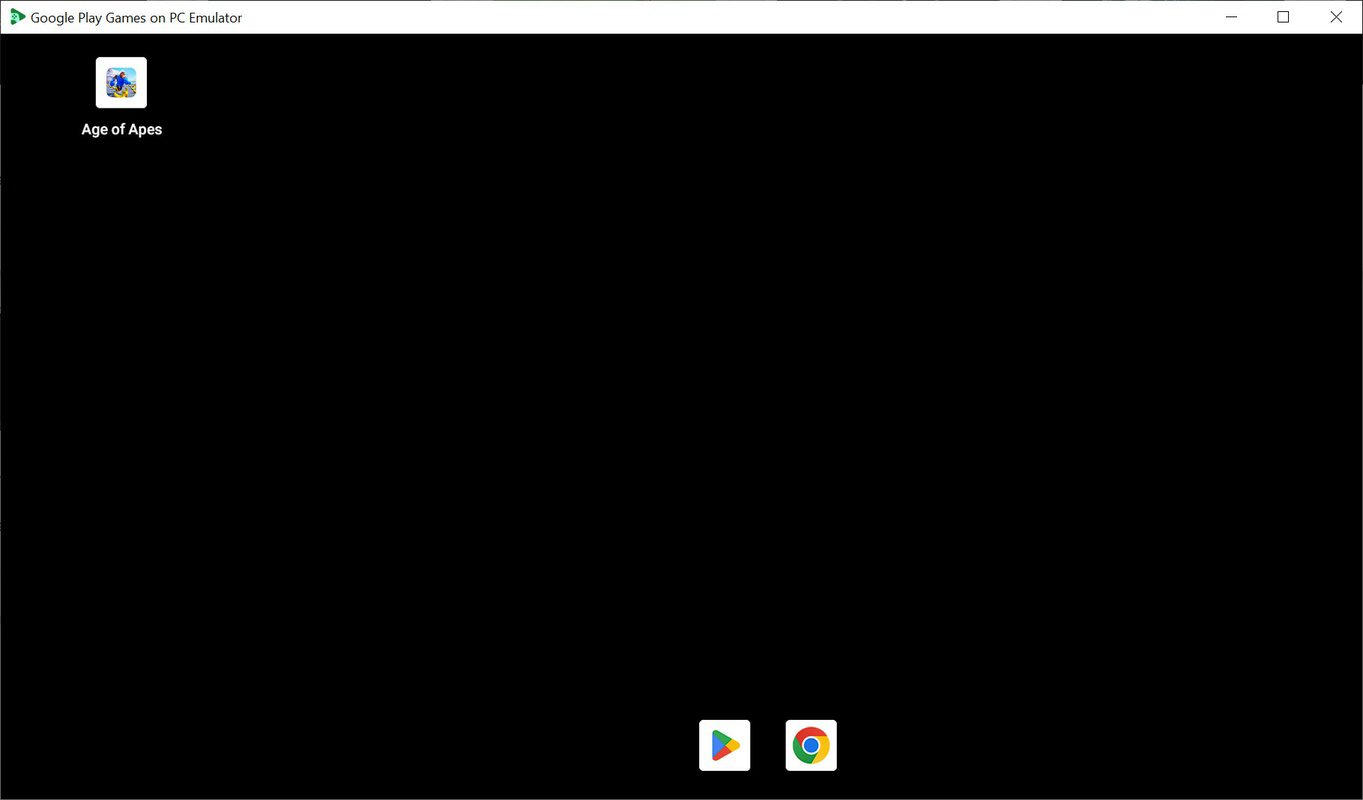
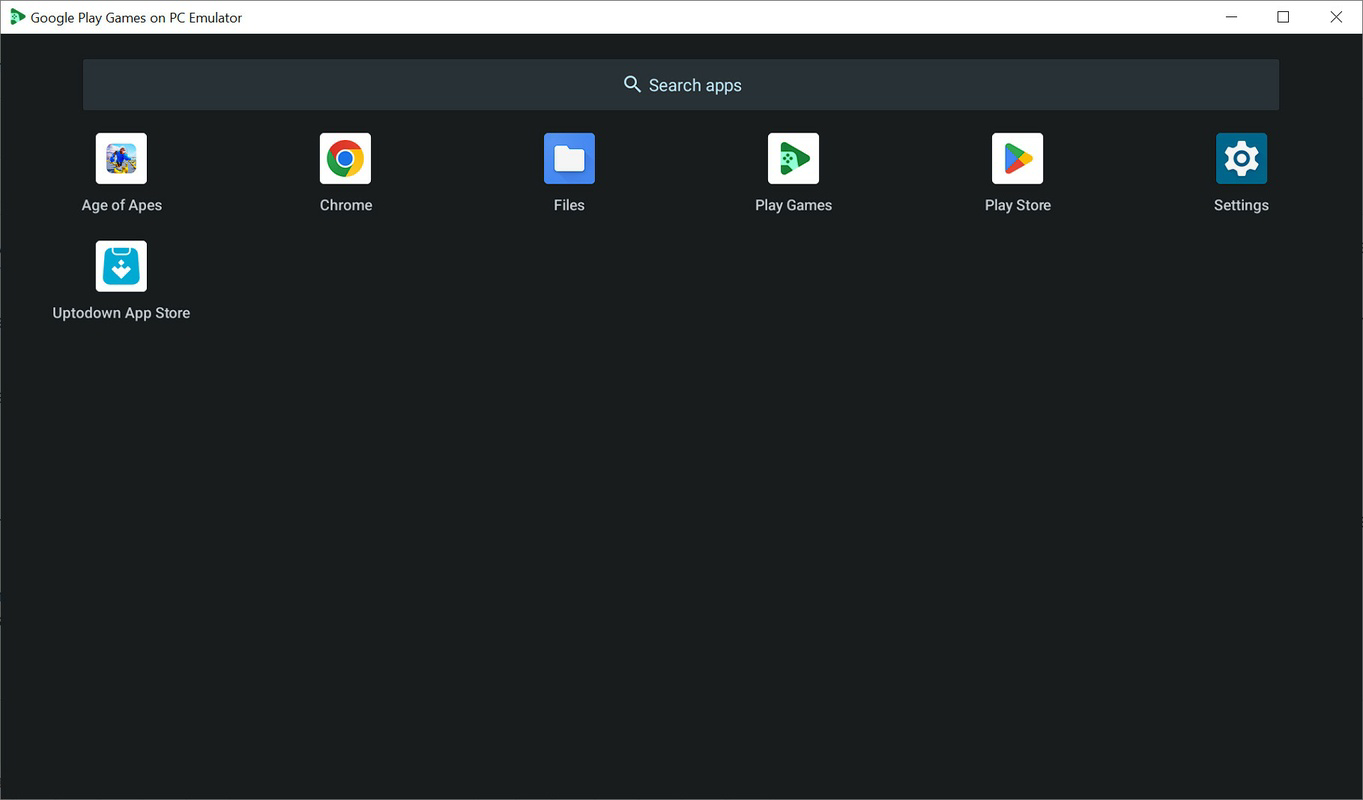
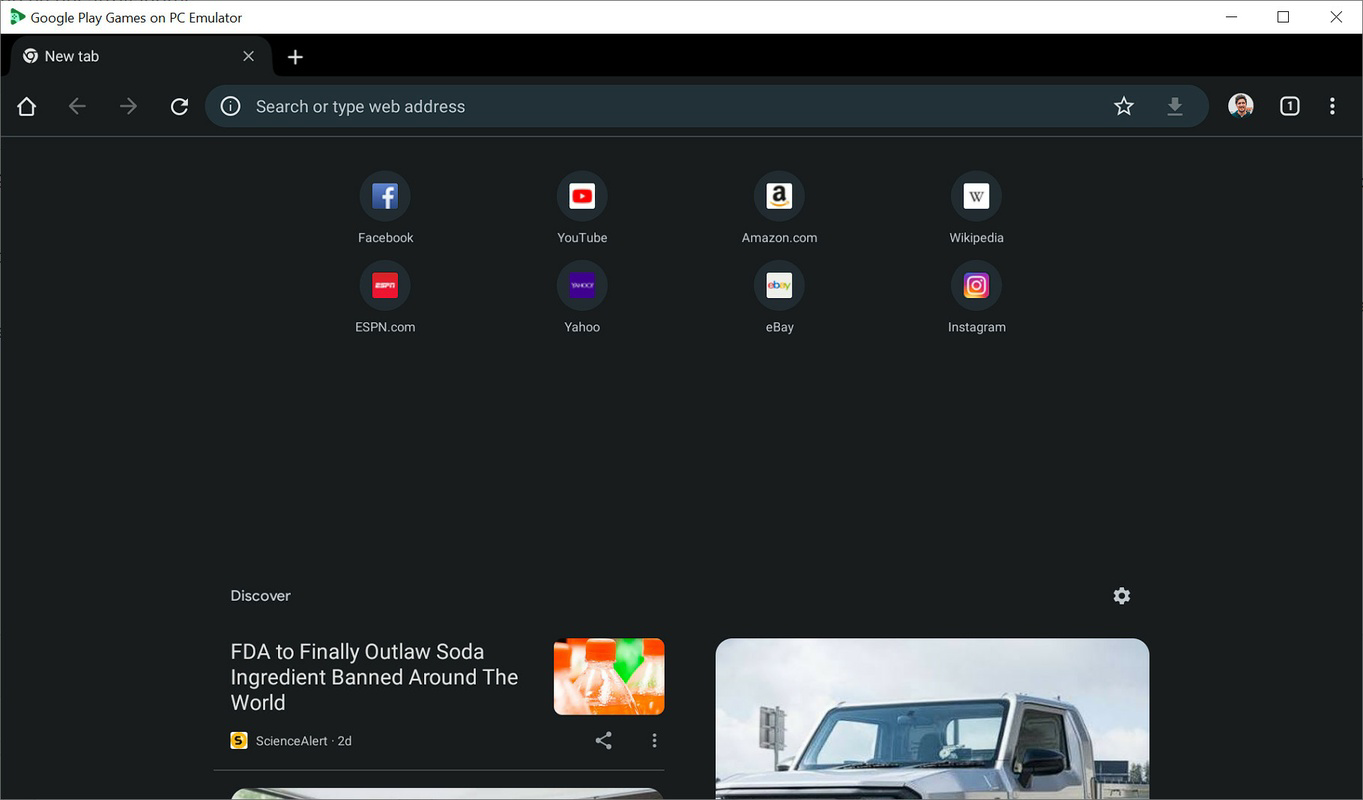
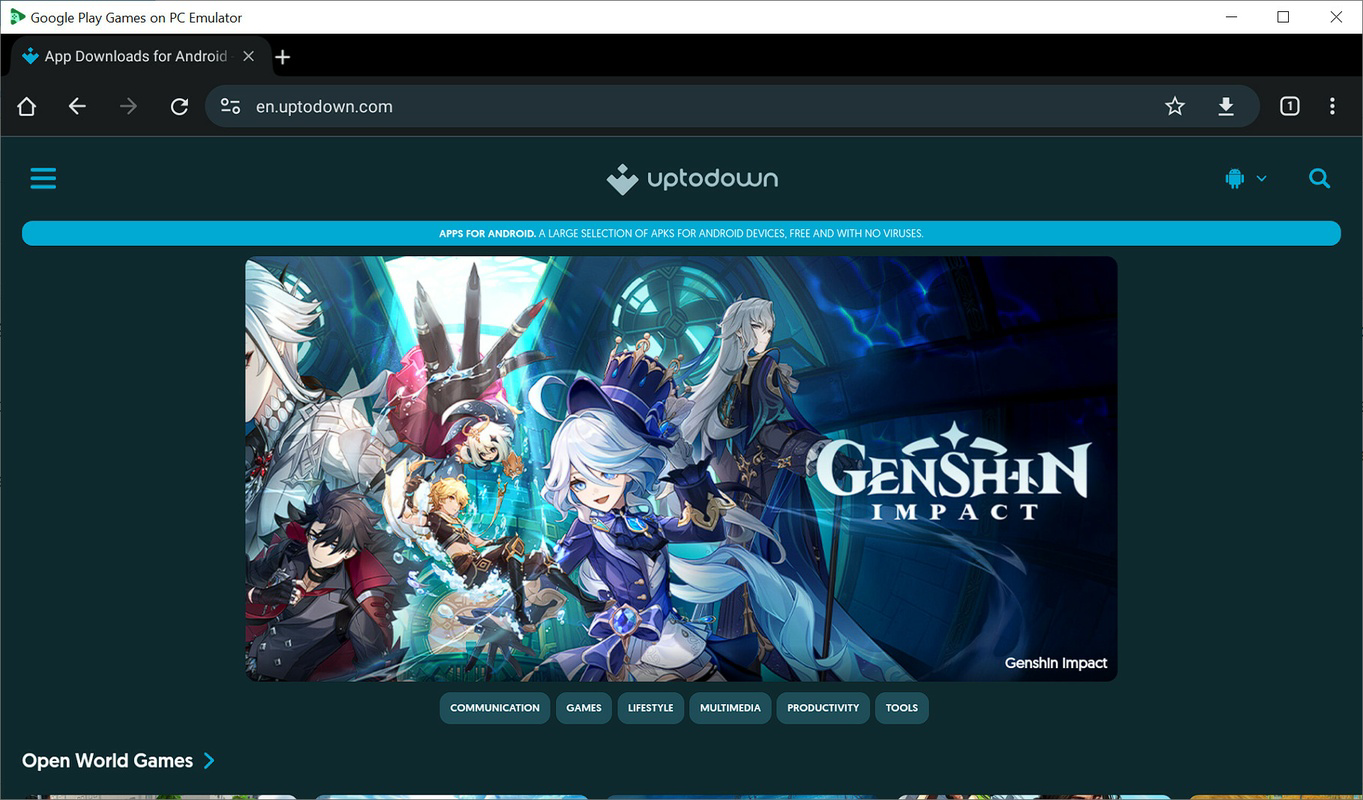
- User-Friendly Interface: Designed with a tablet-like layout, the interface mimics traditional Android devices, offering intuitive navigation. Key apps such as Google Chrome and the Google Play Store are accessible, providing a familiar environment for developers to test app behavior and web integration.
- Hyper-V Virtualization Support: To ensure optimal performance, the emulator requires Hyper-V to be enabled in Windows. This virtualization layer enhances system stability and responsiveness, though users must manually activate it through system settings. The emulator provides clear error messages if the requirement is unmet, guiding users through troubleshooting.
- Full-Screen and Windowed Modes: Developers can toggle between full-screen and windowed views with ease, using keyboard shortcuts. This flexibility supports multitasking, allowing developers to monitor logs, code, or documentation while testing game behavior in real time.
Practical Use-Case Examples
For instance, a developer testing a graphics-intensive game can switch to Vulkan mode to assess performance on high-end systems, then revert to DirectX to evaluate compatibility with lower-tier hardware. Similarly, during QA cycles, a tester can use ADB to install a new build and immediately verify crash logs. The ability to run the emulator in windowed mode while coding in an IDE improves workflow efficiency and reduces context switching.
Interface, UX & Performance
The emulator’s interface is designed with a tablet-centric layout, offering a clean and intuitive user experience. Navigation mirrors standard Android interactions, making it accessible to developers already familiar with mobile operating systems. The visual style emphasizes functionality over ornamentation, prioritizing usability during development sessions. Buttons, menus, and system indicators are clearly labeled, reducing cognitive load during extended testing periods.
Navigation flows logically, with consistent placement of key controls such as the back button, home screen, and app drawer. The emulator supports touch input simulation via mouse and keyboard, enabling precise interaction with UI elements. Although the developer did not list formal performance metrics, the reliance on Hyper-V suggests optimized resource allocation. Performance is expected to vary based on the host system’s hardware, but the emulator is designed to maintain stability across different device categories.
Responsiveness is generally strong, with minimal lag during standard operations. However, complex graphics rendering may impact frame rates depending on the selected API and system configuration. The emulator maintains stability during prolonged use, with no reported crashes or memory leaks in the provided data. Users are advised to ensure their system meets the virtualization requirements to avoid performance degradation.
Platform Compatibility & Technical Requirements
The Google Play Games on PC Developer Emulator is designed for Windows-based systems. It requires the host device to support Hyper-V virtualization, a prerequisite for running the emulator effectively. Specific operating system versions were not listed, so compatibility with Windows 10, 11, or future releases remains unspecified. The file size of the application is also not disclosed, limiting insights into installation footprint and storage requirements.
Although the developer did not specify minimum OS requirements, users should ensure their system supports virtualization technology and has sufficient RAM and CPU resources to handle Android emulation. The emulator’s reliance on Hyper-V indicates it is not compatible with older Windows versions that lack this feature. Compatibility information was not fully disclosed, so users should consult official documentation or support channels for precise details.
Pros and Cons
- Supports rapid APK sideloading via ADB for fast testing cycles
- Offers flexible graphics API selection (Vulkan and DirectX)
- Intuitive tablet-style interface for easy navigation
- Enables full-screen and windowed mode switching for multitasking
- Relies on Hyper-V for performance, ensuring stable virtualization
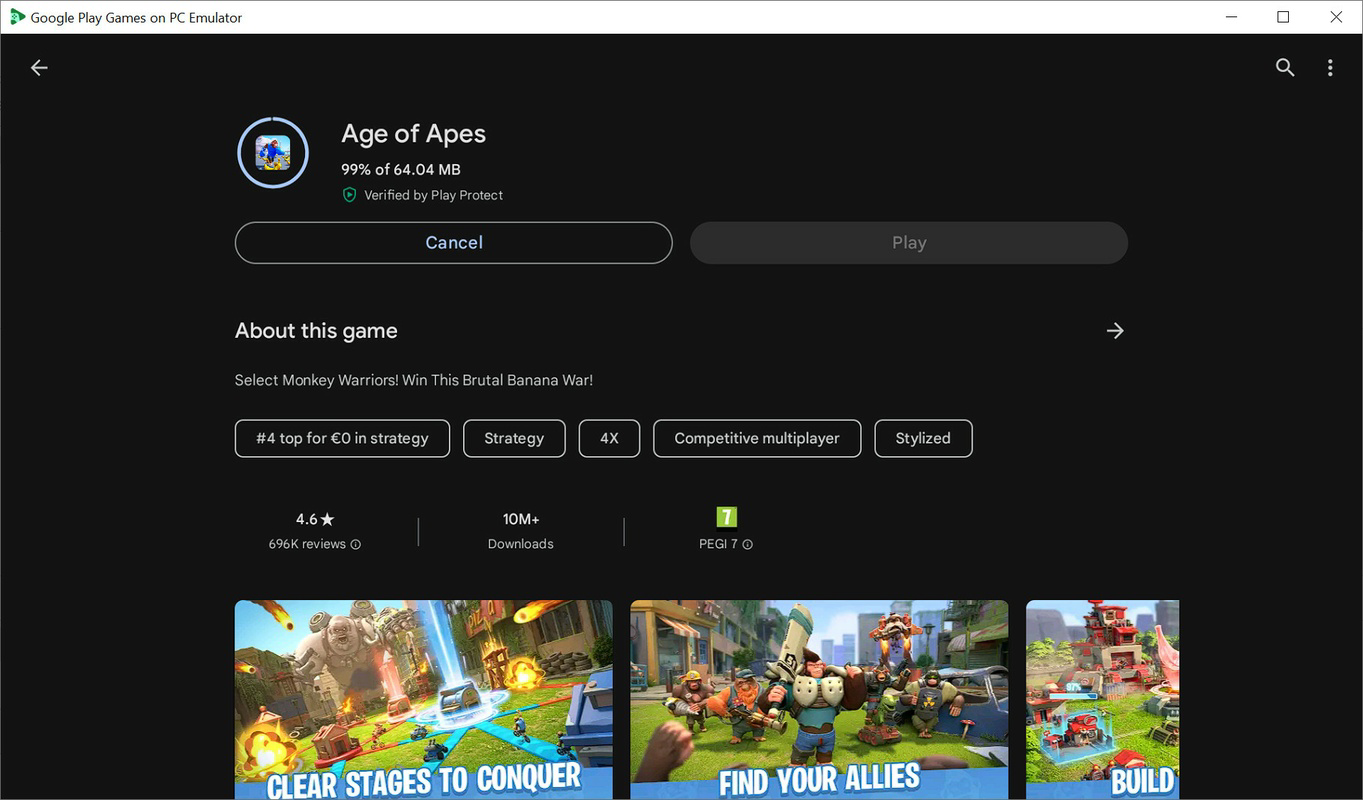
- Google Play Store access is not available, limiting app discovery
- Requires Hyper-V activation, which may not be enabled by default
- Specific system requirements were not listed
- File size and version details were not provided
- Compatibility with older Windows systems is uncertain
FAQ
Is the Google Play Games on PC Developer Emulator free to download?
The pricing information was not provided. Users should refer to the official source for current cost details.
Can I install apps from the Google Play Store on this emulator?
Installation through the Google Play Store is not available in this environment. Developers must use ADB to sideload APKs.
Do I need to enable Hyper-V to use this emulator?
Yes, Hyper-V must be enabled in Windows to run the emulator. Failure to activate it will result in startup errors.
Is this emulator compatible with all versions of Windows?
Specific compatibility details were not disclosed. The emulator requires Hyper-V, which is available on Windows 10 and 11, but may not support older versions.
Can I use keyboard shortcuts to switch between full-screen and windowed modes?
Yes, the emulator supports keyboard shortcuts for toggling between display modes, enhancing user convenience during testing.
Final Thoughts
The Google Play Games on PC Developer Emulator stands out as a focused, efficient tool for developers engaged in Android game testing. Its streamlined interface, support for multiple graphics APIs, and ADB integration create a robust environment for performance evaluation and debugging. While it lacks access to the Google Play Store, its core functionality is well-aligned with the needs of technical users who prioritize control and customization.
Developers seeking a reliable, PC-based solution for testing Android games will find this emulator valuable. It enhances productivity by reducing dependency on physical devices and enabling flexible testing scenarios. The tool’s emphasis on performance tuning and virtualization makes it particularly suitable for teams working on graphics-intensive applications.
For those in the mobile development space, the emulator offers a practical bridge between code and deployment. Despite limited public details on system requirements and pricing, its functionality suggests strong utility in professional workflows.
Download Google Play Games on PC Developer Emulator now
Guides & Tutorials
How to install Google Play Games on PC Developer Emulator
- Click the Download button above.
- Once redirected, accept the terms and click Install.
- Wait for the Google Play Games on PC Developer Emulator download to finish on your device.
How to use Google Play Games on PC Developer Emulator
This software is primarily used for its core features described above. Open the app after installation to explore its capabilities.
User Reviews
No reviews yet. Be the first to share your experience.
You may also like
more
Que no te pillen¡
About !Que no te pillen¡Reviewed by Jason A. BilbreyShow MoreShow Less

3D Combat Zone
About 3D Combat ZoneOriginally released in 1983, 3D Combat Zone immerses players...

666: El día del portal
About 666: El día del portalOn June 6, 2006, Agent P. Stone uncovers a sinister...

80 in 1 Best Flash games
About 80 in 1 Best Flash games 80 in 1 Best Flash games is a collection of 80 fl...

ABYSS SEEKERーーWhat Do You See Deep in The Abyss
About ABYSS SEEKERーーWhat Do You See Deep in The AbyssIn ABYSS SEEKER, players...

ACA NEOGEO THE KING OF FIGHTERS 2002 for Windows
About ACA NEOGEO THE KING OF FIGHTERS 2002 for WindowsTHE KING OF FIGHTERS 2002,...